
AI Automation Suite for Chiropractic EHRs
TrackStat replaces generic texting apps, inefficient EHR reports, and staff busywork — by making your EHR data actionable.
Maximizing profits by giving you the power of another employee at a fraction of the cost.
Integrates with ChiroTouch, ChiroUp, Prompt, and More











Ideal for
- Any size practice
- Multi-location practices
- Multi-disciplinary
- Solopreneurs
- Personal injury
- Husband and wife
Why Texting Software Isn’t Enough for Chiropractors
Most practices rely on basic texting tools in combination of clunky EHR reports. Patients still slip through the cracks. Staff waste hours chasing patients and leads. Worse yet, when you do start growing, it is difficult to keep up daily tasks.
TrackStat automates communication, follow-ups, scheduling and workflows keeping patients on ‘track’ — helping you grow your profits without adding more staff.
Meet Jaz: The AI Receptionist for Chiropractors
100% lead capture, 0% staff burnout, and a calendar that stays full automatically.
Answers every call
Never let a lead go to voicemail. Jaz intercepts missed calls and starts a conversation immediately.
Books & reschedules
Jaz accesses your calendar to find slots, book appointments, and handle reschedules without human help.
Eliminates interruptions
Stop the constant phone ringing. Jaz handles the routine so your team can focus on the patients in the room.
Handles patient questions
From ‘Where do I park?’ to ‘What is your cancellation policy?’, Jaz provides instant, accurate answers.
Works like a receptionist
Jaz follows your team’s scheduling rules and procedures.
See Jaz in Action
Watch how Jaz handles a real patient call — from missed call to booked appointment.
Watch our full demo to learn more about our all-in-one software.
AI Automation That Makes Your Chiropractic EHR Data Actionable
We take existing patient data in your EHR and help you add more patients to your schedule.
Daily Reports & Follow-Up
Begin each day the right way. Know who doesn’t have a future visit, balance, and more. Be prepared for your preshift huddle — and know which patients to reactivate or follow up with before they go inactive.
Patient Communication
Appointment reminders, email, and 2-way texting with your business number. Communicate from your computer or mobile phone.
Reviews & Marketing Suite
Get more 5 star reviews so you’ll get more new patients. Marketing suite included — why pay extra for marketing software that doesn’t even communicate with your EHR.
Online Scheduling & Forms
Make it easy for new or existing patients to schedule online and complete their intake paperwork.
Personal Injury
Throw away those spreadsheets and manage your cases easily.
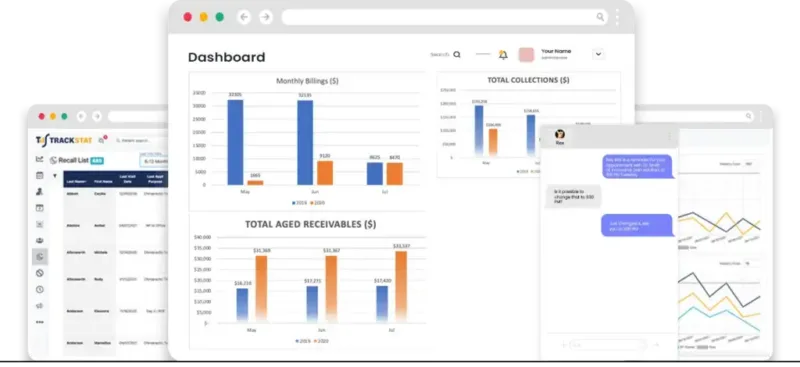
Dashboards and Stats
Numbers tell stories of how your practice is doing. Quit guessing and make sound business decisions.
Use case · Patient tracking
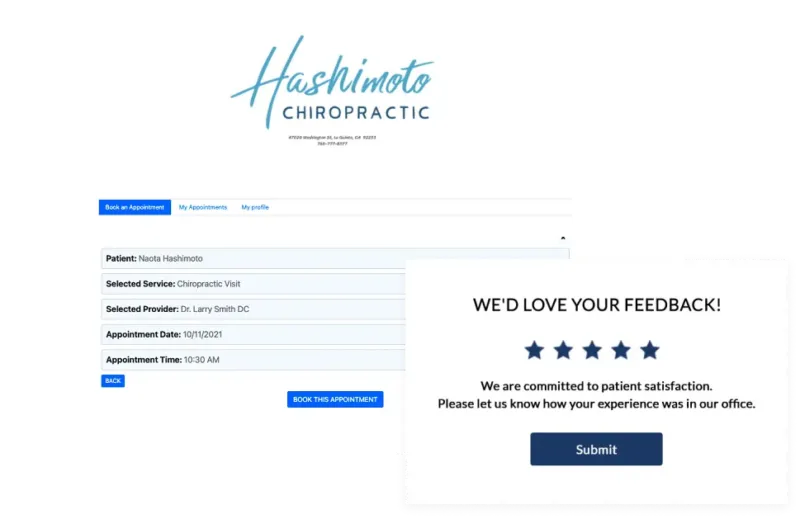
Capture Google Reviews
Hashimoto Chiropractic was able to collect reviews, set appointments, and track patients in one effortless flow. Get more 5-star reviews so you’ll get more new patients.
Chiropractic Practices Using TrackStat

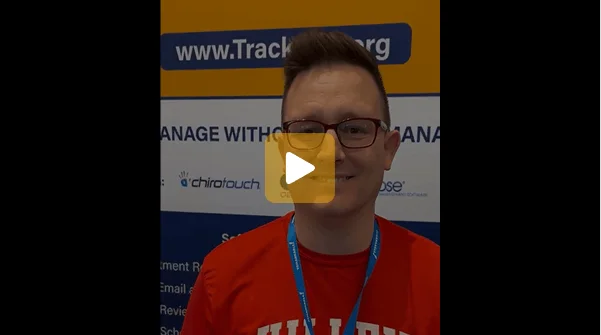
“TrackStat is a true CRM program. It has allowed us to keep “track” of our patients in realtime, so that we can catch trends, positive or negative, versus retroactively discovering major issues. TrackStat has also eliminated many of our spreadsheets we were using, like the 3x/wk list, so it has helped increased the compliance of our docs reviewing their stats and patient management.”
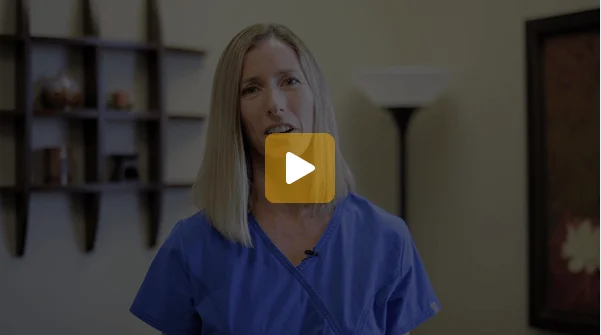
TrackStat not only provides statistics, but it also gives our staff a tool to take action steps
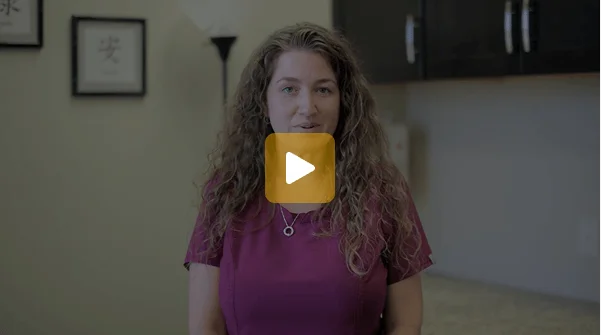
As an office manager, TrackStat allows me to see what everyone’s working on right now
Super easy and helpful for Front Desk staff. I love TrackStat because I know what the most important tasks are. This helps me keep the schedule full, which makes everyone happy.
It’s a magnifying glass for ChiroTouch! It saves me so much time and effort! As an office manager, it’s a must and our front desk loves this program.
One of our pain points before TrackStat was retention and TrackStat solved that problem for us. The software is easy, and our staff love using and this program really consolidated the other programs that we were using previously.
We have 18 medically integrated clinics with MDs, NPs, and DCs and it was really complicated getting data, trends and making analysis from ChiroTouch. Our staff uses it from records requests to managing a PI case. There is internal marketing, appointment reminders, reviews, and much more. Definitely pick up TrackStat.
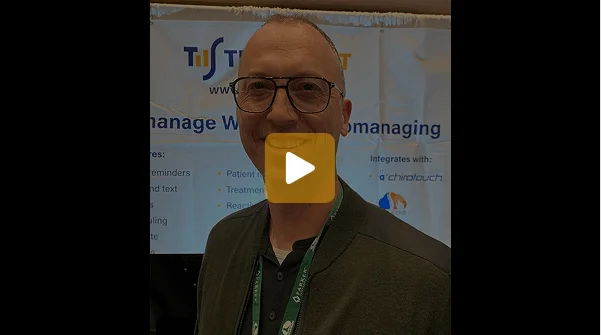
We get two 5-star reviews a day compared to our old software which produced two per month. Our staff uses TrackStat to prepare for the day.
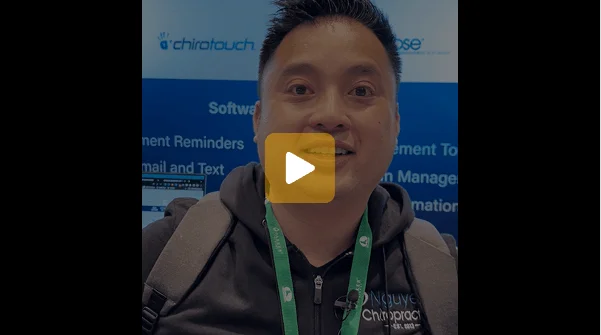
“250 Google reviews in a few months” Our online reviews have increased by 250 in a few months and we’ve been able to reduce our overhead with more automation. We do a lot of insurance, personal injury and workers comp. It used to be a lot of work, but it’s all easier with Track Stat
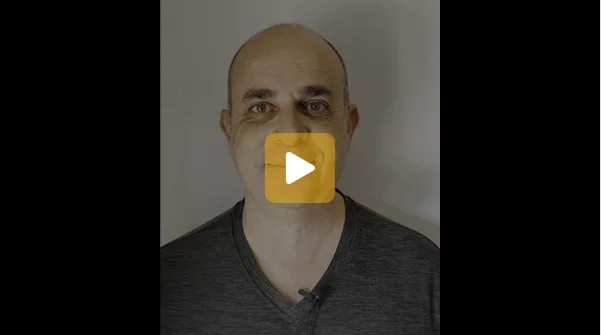
The All-In-One To Cut Your Costs — Trackstat is the all in one software we always wanted. We were able to consolidate multiple services into one platform for 2 offices, which not only cut our overhead, but also simplified everything for our team. It has helped fill our schedule and provides feedback on where your practice has been and where it is going.”

TrackStat Pricing: Simple Plans for Every Practice
Optional add-ons — available on any plan
Unanswered call text-back
Automatically texts patients when a call goes unanswered.
+$30/mo
Bronze
$229/mo
$199 + $30
Silver
$279/mo
$249 + $30
Gold
$329/mo
$299 + $30
AI receptionist (Jaz AI)
Answers calls 24/7, schedules patients, handles FAQs — 500 mins included.
+$150/mo
Requires the unanswered call text-back add-on
Bronze
$379/mo
$229 + $150
Silver
$429/mo
$279 + $150
Gold
$479/mo
$329 + $150
Multi-site practices
Special pricing available — contact us for a custom quote.
Chiropractic AI Automation FAQs
Watch our demo to learn more about our all-in-one software
Your staff is busy, and knowing what to focus on takes time. Let AI and automation help your team get more done every day.
Fill out the short form to watch the demo — you can request a free trial on the next page.

Your information is only used to deliver the demo and follow up with you.
Watch the demo
Required fields are marked *.